 GAME BRIDGE
Play your Steam games.
On your Mac.
The Windows games in your Steam library, running on your Mac. Install, sign in to Steam, play. That's the whole setup.
Try everything free
No card, no account. Test your games before you pay.
Ready to play
Opens Steam in its own window. Sign in with your normal Steam account.
PLAYThen $6 / month
You're asked before one installs.
Install. Sign in. Play.
No settings, no Terminal, nothing to learn. If you can use Steam, you can use Game Bridge.
Install Game Bridge
Drag it to Applications, open it and press Install. It sets up everything Steam needs in a few minutes.
Sign in to Steam
Steam opens in its own window. Sign in with your normal account, just like on a PC.
Play your games
Install a game from your library and press Play. That's it.
The full Steam. Not a cut-down version.
It's the real Windows Steam app, so everything you use on a PC is here too.
Your whole library
Every Windows game you own, ready to install.
The Steam store & sales
Browse, wishlist and buy new games right inside Steam.
Friends & chat
Your friends list, chat and game invites.
Cloud saves
Pick up where you left off on your PC, in games that support it.
Achievements
Unlock and track them like always.
Workshop & mods
Download community mods for the games that support them.
Every kind of game in your Steam library.
Sign in once and your whole library is there: the worlds, races and battles you already own.
Explore huge worlds on your Mac
Big 3D games that use DirectX 11.
Feel the speed
Big battles
Plan, build, conquer
Small games, big fun
Steam chat and friends list
Not every game runs: titles with anti-cheat or very new graphics may not start. Try yours free for 10 days.
Works on Game Bridge. Rated by players.
After playing, Game Bridge players rate how each game ran. This list updates every few minutes.
Deals on games that run on Mac.
The lowest current price from trusted stores, for games that work with Game Bridge.
Prices from CheapShark, updated every few hours. We may earn a commission when you buy through these links, at no extra cost to you.
Big Steam games. Watch the trailers.
Valve removed the Mac versions of Team Fortress 2, Portal 2 and Left 4 Dead 2 in 2024. Game Bridge runs their Windows versions.
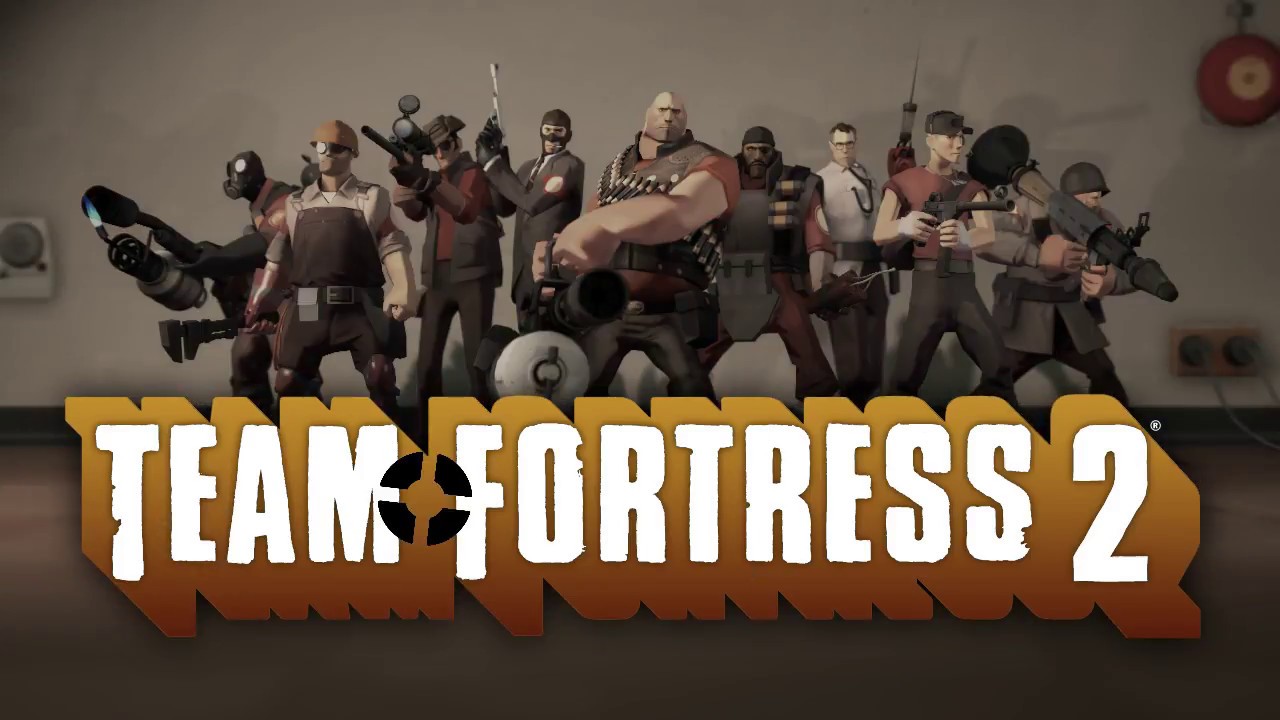
Trailers belong to their publishers and play from YouTube. Game Bridge is not affiliated with them. Games that use anti-cheat or DirectX 12 may not run, so try your own library free for 10 days.
Made so you never have to think about it.
Game Bridge takes care of the technical side, so all you do is play.
One-click setup
Press Install once. Game Bridge downloads and sets up everything Steam needs to run on your Mac. Anything already on your Mac is reused, not downloaded again.
- A few hundred MB to download, only once
- A progress bar for every step
- No passwords, no Terminal
Official Steam, from Valve
Steam downloads straight from Valve's servers. Sign in to your own account and play what you already own.
Big 3D games
Built-in support for DirectX 9, 10 and 11 games.
Stays working
Fixes are re-applied after every Steam update.
External drives
Install games on a plugged-in drive. Your Mac stays free.
Automatic updates
New versions arrive by themselves. You're asked first.
Clean uninstall
One button removes everything Game Bridge added, and nothing that was there before.
2 Macs per subscription
Use it on your laptop and your desktop. Move it to a new Mac in one click.
Simple pricing
Start with 10 free days. Subscribe only if your games run the way you want.
Everything, on 2 Macs
- Play the Windows Steam games you already own
- Steam keeps working after its updates, automatically
- Every Game Bridge update included
- Use one subscription on 2 Macs
- Cancel anytime from your receipt email
After you subscribe, your license key arrives by email. Paste it into Game Bridge to unlock it. Prices in USD; taxes may apply at checkout.
Just $4.17 a month
- Everything included
- Save $22 a year
- Cancel anytime
Ready to play?
No card required. Open the DMG and drag Game Bridge to Applications.
Download for Mac (.dmg)By downloading you agree to the Terms of Service and Privacy Policy.
Version 0.4.0 (beta) · includes a 10-day free trial
Questions
Is it an emulator or a virtual machine?
Neither. Game Bridge uses Wine, a compatibility layer that lets Windows apps run directly on macOS, plus DirectX support for games. There's no copy of Windows to install or pay for.
Do I need to buy my games again?
No. You sign in to your own Steam account and use the games you already own.
Will every Windows game work?
Not every game. Many games run well, but titles that use anti-cheat or very new graphics features may not start. Try them during the free trial before subscribing.
What does the trial include?
Everything. After 10 days, choose a monthly or yearly subscription to keep using Game Bridge.
Can I install games on an external drive?
Yes. Plug it in, open Steam from Game Bridge, then go to Steam → Settings → Storage → Add Drive.
Is Game Bridge made by Valve?
No. Game Bridge is an independent app and is not affiliated with, endorsed by or sponsored by Valve Corporation. Steam is downloaded directly from Valve's servers.
How do I cancel or uninstall?
Cancel from the link in your receipt email at any time. To remove the app, use Game Bridge → Uninstall Game Bridge. It removes only what Game Bridge installed.